Model verificationFinal specifications confirmed before order
✓
Business quotationPrice, stock and lead time on request
✓
Singapore supportAccountable local communication
Product information
Product questions
Frequently asked questions
Answers are reference guidance. Verify final technical and commercial details with Bizgram.
The Qnap TS-231 features USB 3.0, USB 2.0, and Gigabit Ethernet interfaces for connectivity.
The dimensions of the Qnap TS-231 are approximately 102 x 220 x 119 mm (4.02 x 8.66 x 4.68 inches), and it has a desktop form factor.
To install the Qnap TS-231, insert the hard drives into the drive bays, connect the power adapter and network cable, and follow the setup instructions provided in the Quick Installation Guide.
Warranty and support options should be confirmed with Bizgram or the manufacturer documentation, as they may vary by region.
The condition of the Qnap TS-231 should be confirmed with Bizgram or the manufacturer documentation.
The Qnap TS-231 requires a power supply of 12V/2A and comes with the necessary power adapter and cables.
The Qnap TS-231 supports up to 32TB of storage capacity (16TB per bay) and is powered by an ARM Cortex-A9 dual-core 1.2GHz processor.
The Qnap TS-231 runs on QTS, QNAP's proprietary operating system, which can be updated via firmware updates.
The box contents typically include the NAS enclosure, power adapter, power cord, Ethernet cable, and Quick Installation Guide.
The Qnap TS-231 is suitable for home and small office environments, providing file storage and sharing capabilities.
Product descriptions, images, specifications and FAQs may be imported or AI-assisted. All brand names, logos and product information belong to their respective owners. Bizgram does not accept liability for inaccuracies or decisions based solely on this page. Confirm compatibility, specification, warranty, price, stock and lead time before purchase.
Bizgram uses essential cookies for security, language, forms and inquiry-list functions. Optional analytics are aggregated without publishing personal visitor data. Read the cookie policy.


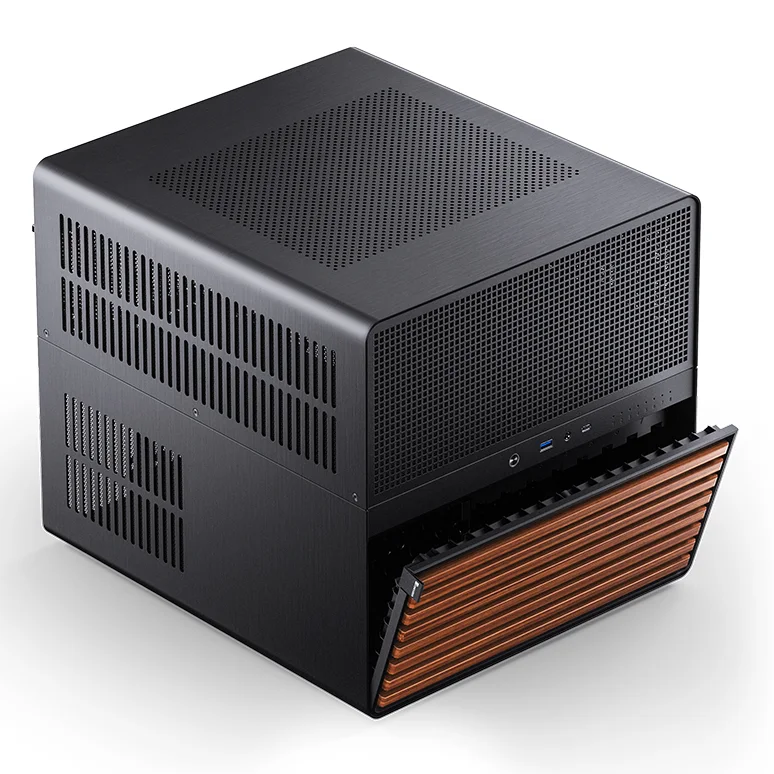
 Product image for reference