Model verificationFinal specifications confirmed before order
✓
Business quotationPrice, stock and lead time on request
✓
Singapore supportAccountable local communication
Product information
Product questions
Frequently asked questions
Answers are reference guidance. Verify final technical and commercial details with Bizgram.
The Epson Pro Graphics Stylus Pro 9890 supports USB 2.0, Ethernet, and Wi-Fi interfaces.
The dimensions of the Epson Pro Graphics Stylus Pro 9890 are approximately 63.4 x 29.5 x 15.8 inches (W x D x H).
Installation involves unpacking the printer, connecting it to a power source, and following the on-screen instructions to install the drivers and software from the included CD or the Epson website.
Warranty and support options should be confirmed with Bizgram or the manufacturer documentation.
The condition should be confirmed with Bizgram or the manufacturer documentation.
The printer requires a standard power outlet and comes with a power cable included in the box.
The Epson Pro Graphics Stylus Pro 9890 can print at a maximum resolution of 2880 x 1440 dpi and supports media sizes up to 44 inches wide.
The printer is compatible with Windows and macOS operating systems. Firmware updates can be found on the Epson support website.
The box typically includes the printer, power cable, installation CD, user manual, and ink cartridges.
The printer should be deployed in a clean, dry environment with adequate ventilation and temperature control.
Product descriptions, images, specifications and FAQs may be imported or AI-assisted. All brand names, logos and product information belong to their respective owners. Bizgram does not accept liability for inaccuracies or decisions based solely on this page. Confirm compatibility, specification, warranty, price, stock and lead time before purchase.
Bizgram uses essential cookies for security, language, forms and inquiry-list functions. Optional analytics are aggregated without publishing personal visitor data. Read the cookie policy.


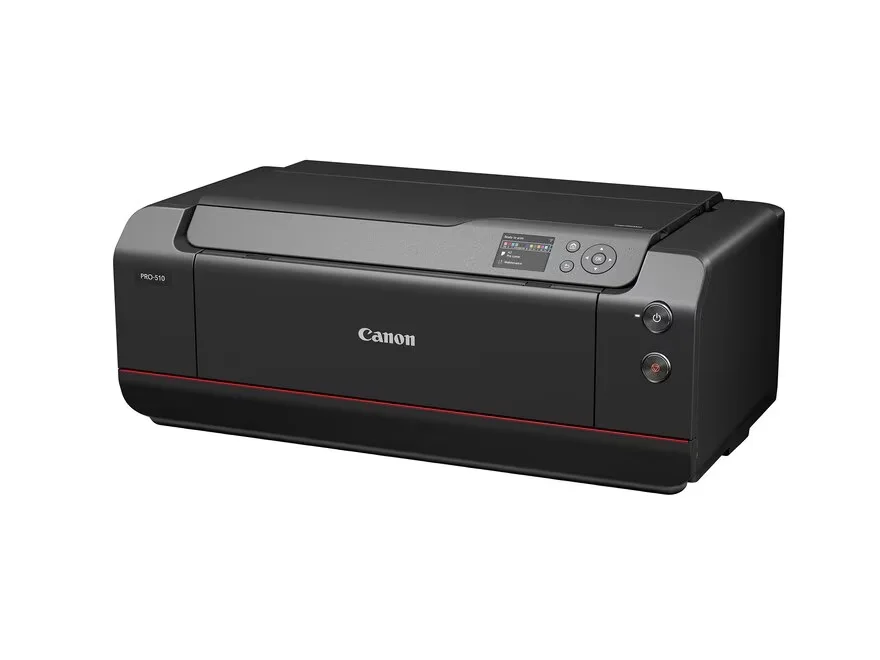
 Product image for reference